Put a boundary around distracting apps.
Choose the apps or categories that most often consume time without intention. This is not a permanent ban; it creates a pause before the automatic tap.
 SuperStrive
 Turn an automatic scroll into a moment of movement. Get help choosing a workout, recording time outdoors, and seeing your progress.
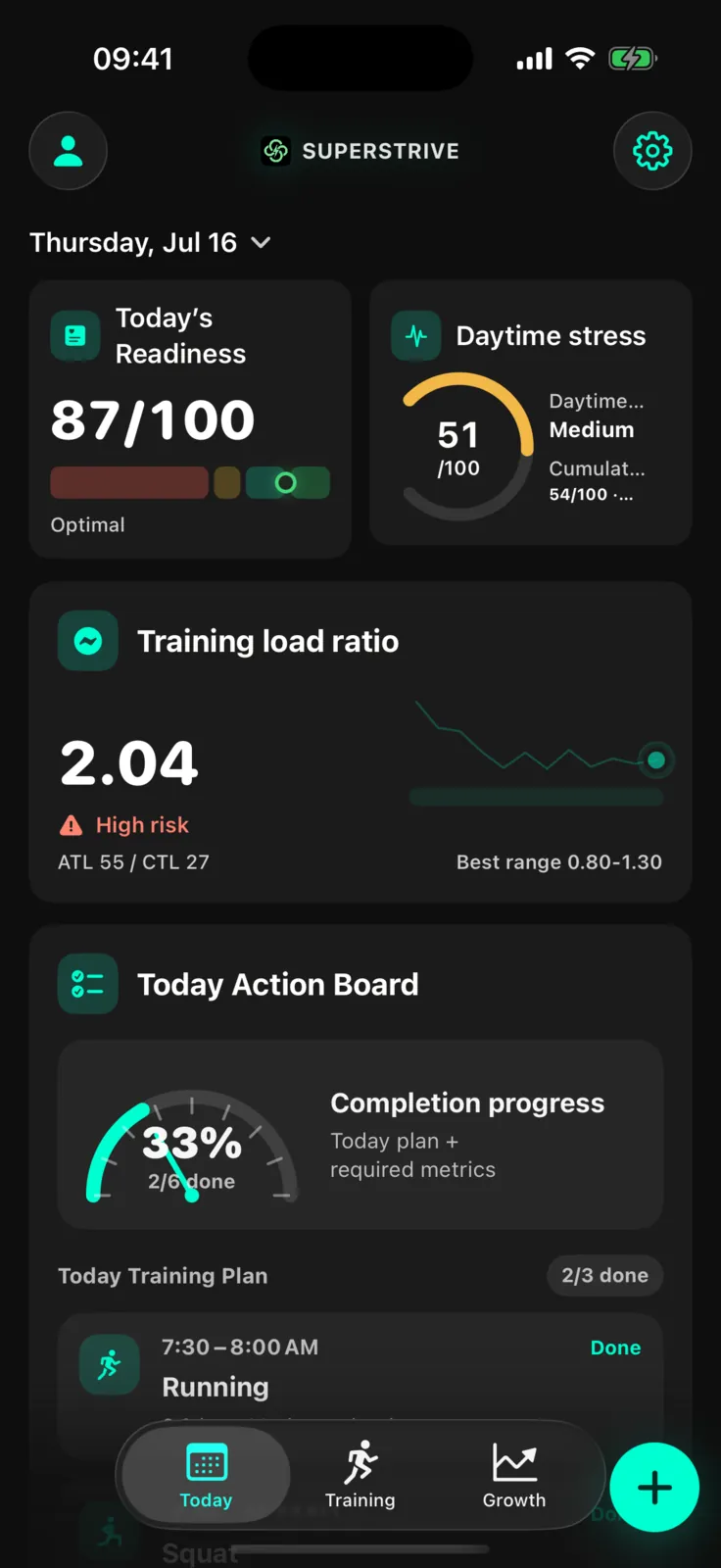
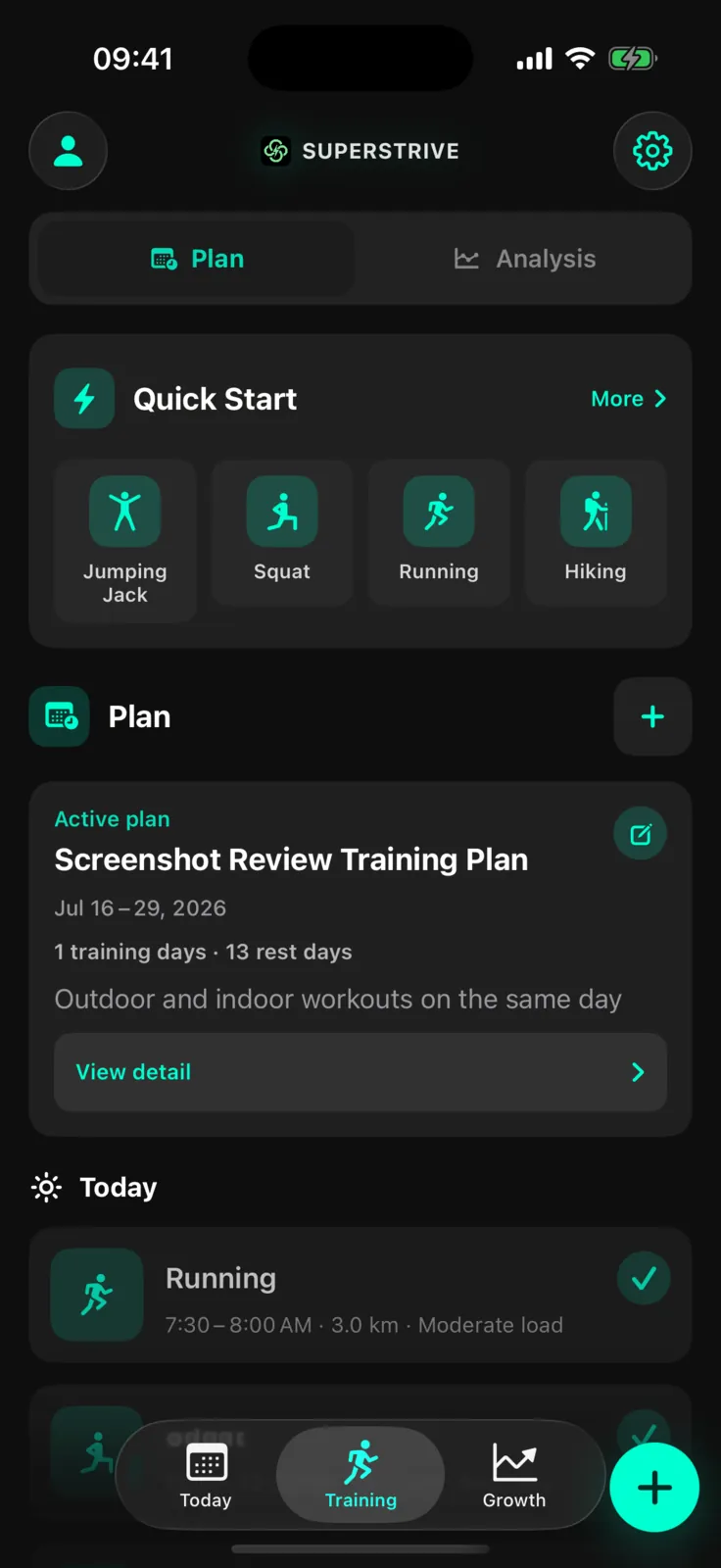
From today’s activity to your next workout and longer-term progress. Select a step to explore the real app.
Use the sleep, recovery, and recent training data you choose to share to find a useful next step: train, ease off, or recover.
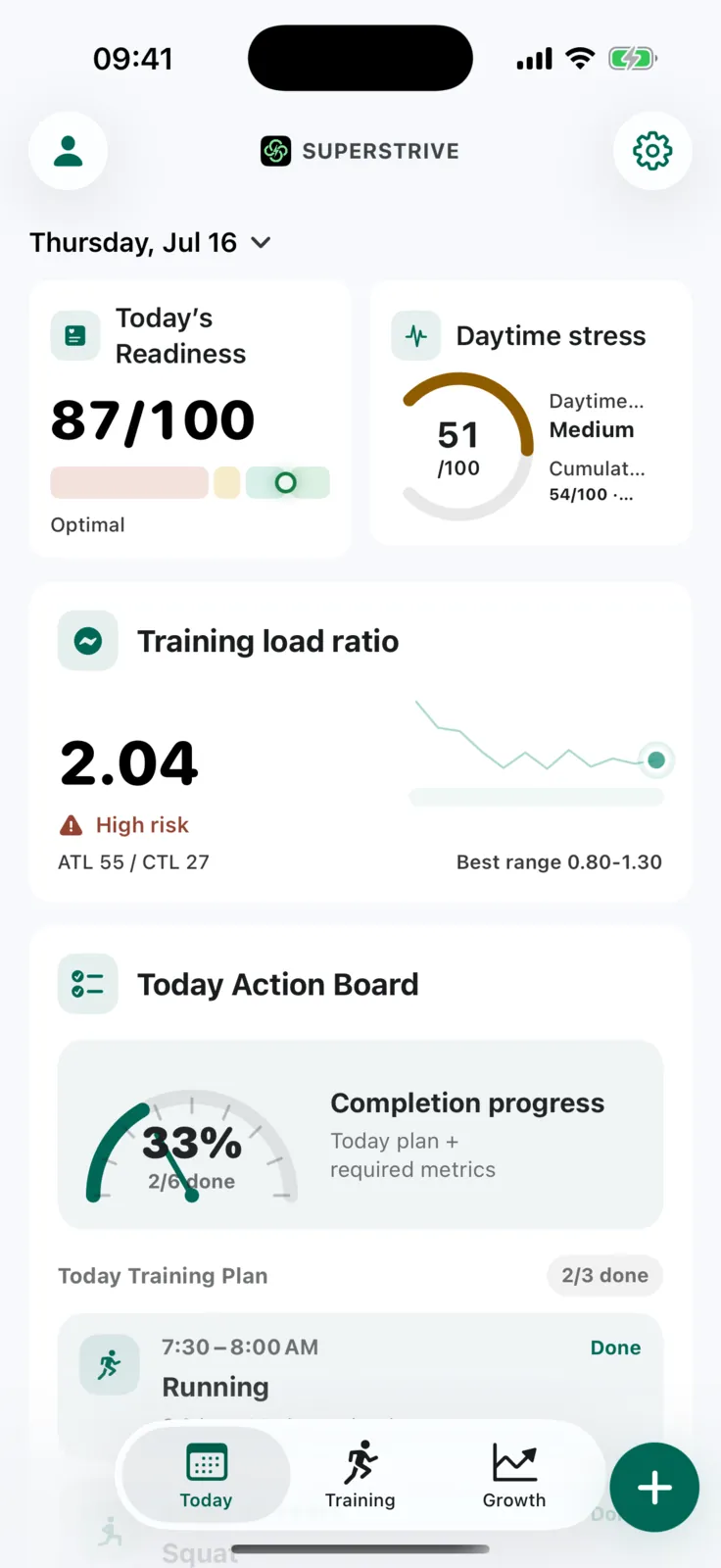
The selectable camera workouts are currently squats and jumping jacks. You can also track running, cycling, and hiking outdoors.
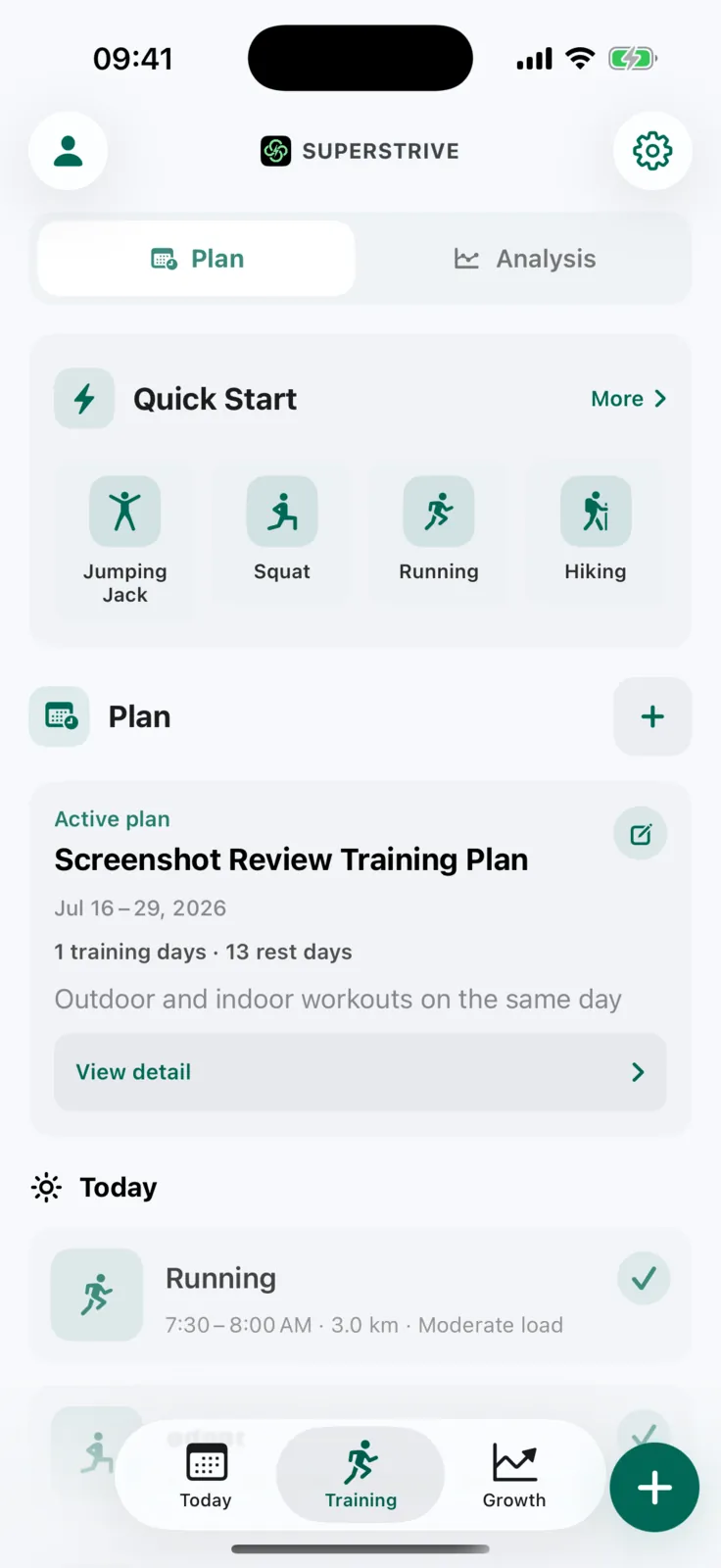
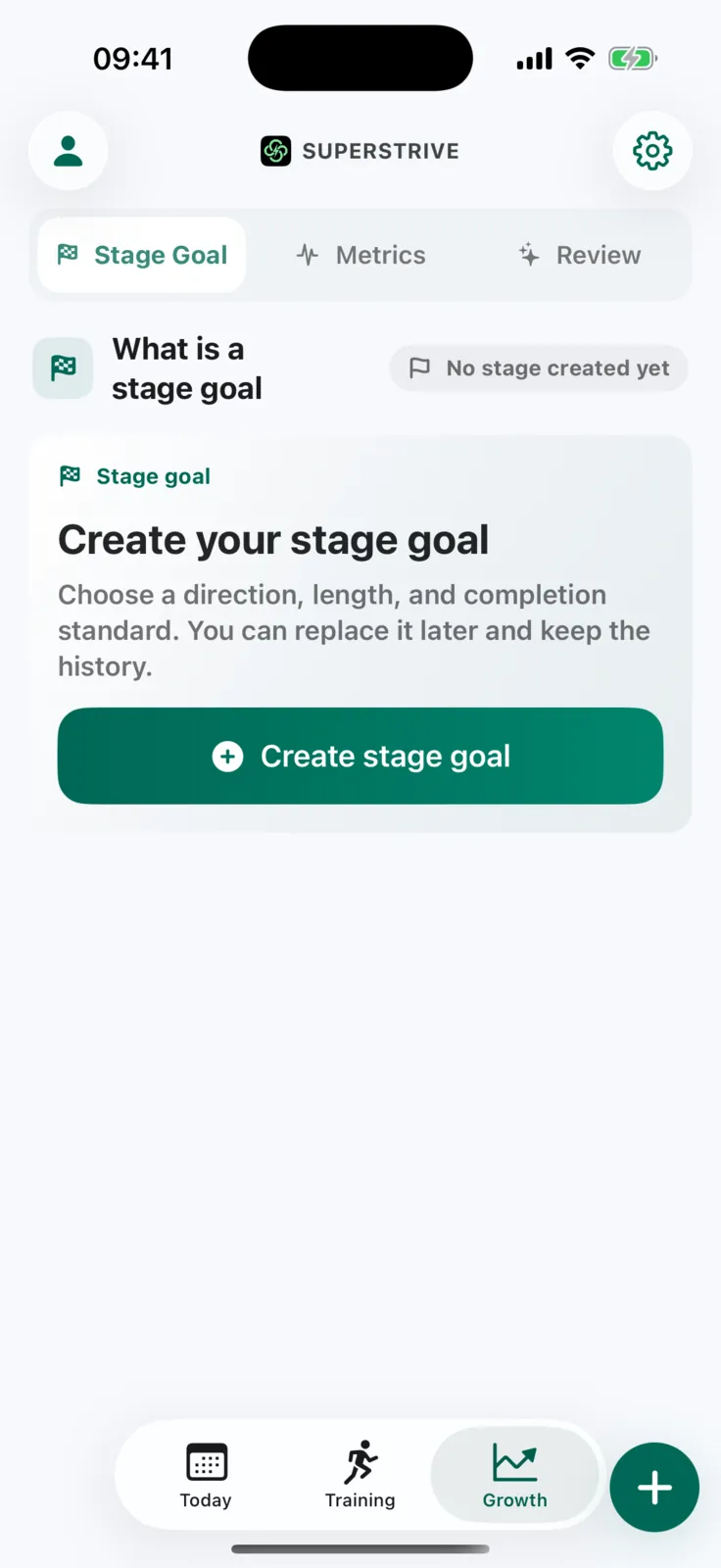
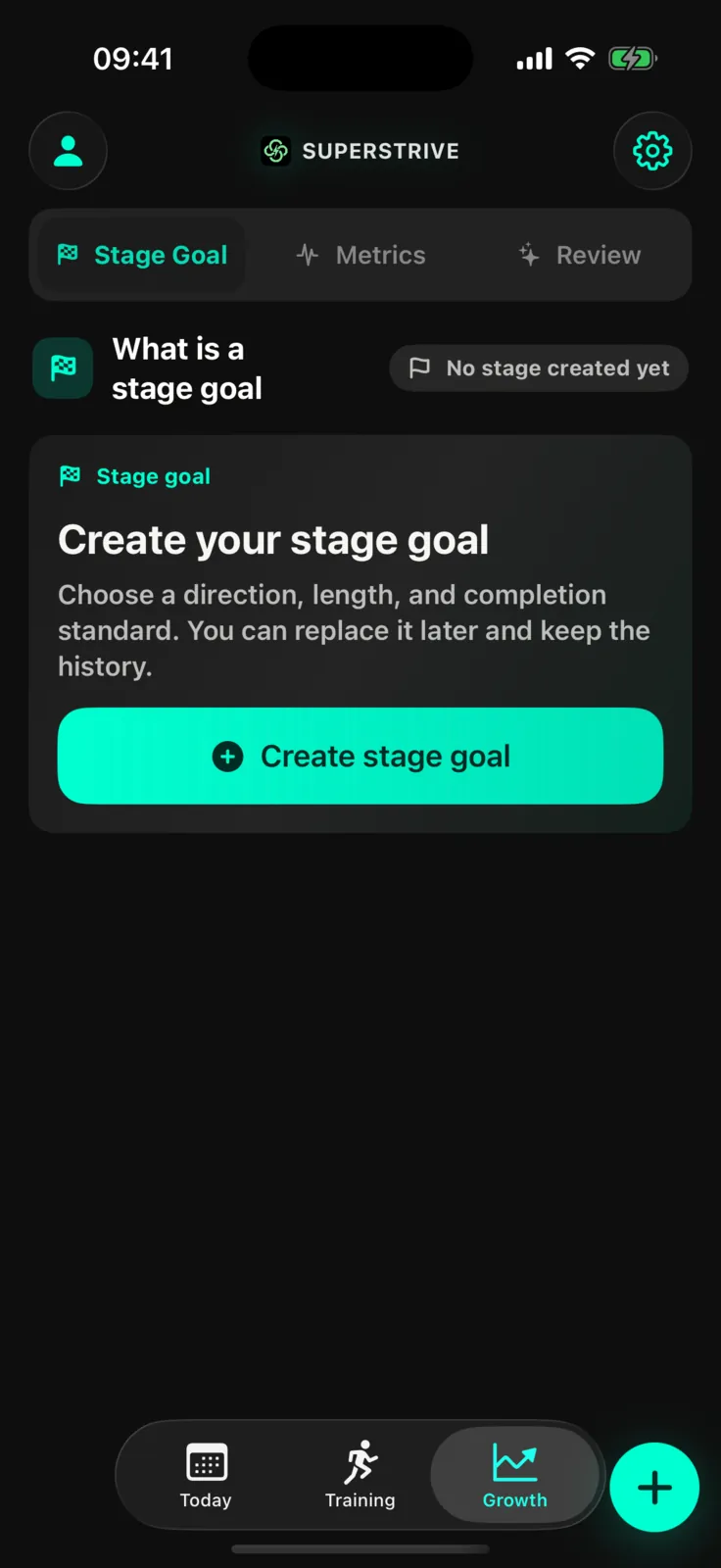
Set goals and follow changes in your workouts and daily metrics. Pro growth reviews are available when you want a closer look.
Talk through a plan, get camera support as you move, and find your next step in the data.
Talk or type about training, sleep, and recovery. With permission, AI Coach can use recent workout and health summaries to answer questions, create a training-plan draft, and refine it with you.
AI Coach and training plans are Pro features. You choose what to share and which suggestions to use.
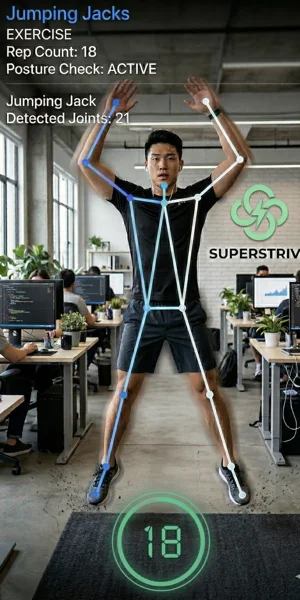
Choose squats or jumping jacks, position your phone, and keep your full body in the front camera's view. On-device detection counts reps and provides cues for supported movements.
Camera mode is optional and currently supports only squats and jumping jacks. Raw camera frames are not saved by default.
Compare training volume by week and activity type. Put individual sessions into a longer view, and try switching the chart metric to explore what each measure shows.
Some metrics require Health access and matching records. Available data varies by activity and recording device.
Four-week total · Workouts13 sessions
Four-week total · Duration295 min
Four-week total · Distance36.5 km
Four-week total · Elevation400 m
Four-week total · Active energy2,250 kcal
Four-week total · Training load186
SuperStrive restricts the apps you choose. When you reach for one on autopilot, complete real movement first, then unlock a bounded window for normal use. The point is not more screen time—it is to interrupt doomscrolling and return the choice to you.
Choose the apps or categories that most often consume time without intention. This is not a permanent ban; it creates a pause before the automatic tap.
Complete real movement from your plan. If you choose a squat or jumping-jack camera workout, on-device detection recognizes supported motion and counts reps.
Movement opens a usable window. When the allowance ends, the restriction returns so one unlock does not slide back into endless scrolling.
Focus on moving. Review the details afterward.
Record routes and laps, and follow your rhythm with voice cues. Look back at your activity when the workout is done.
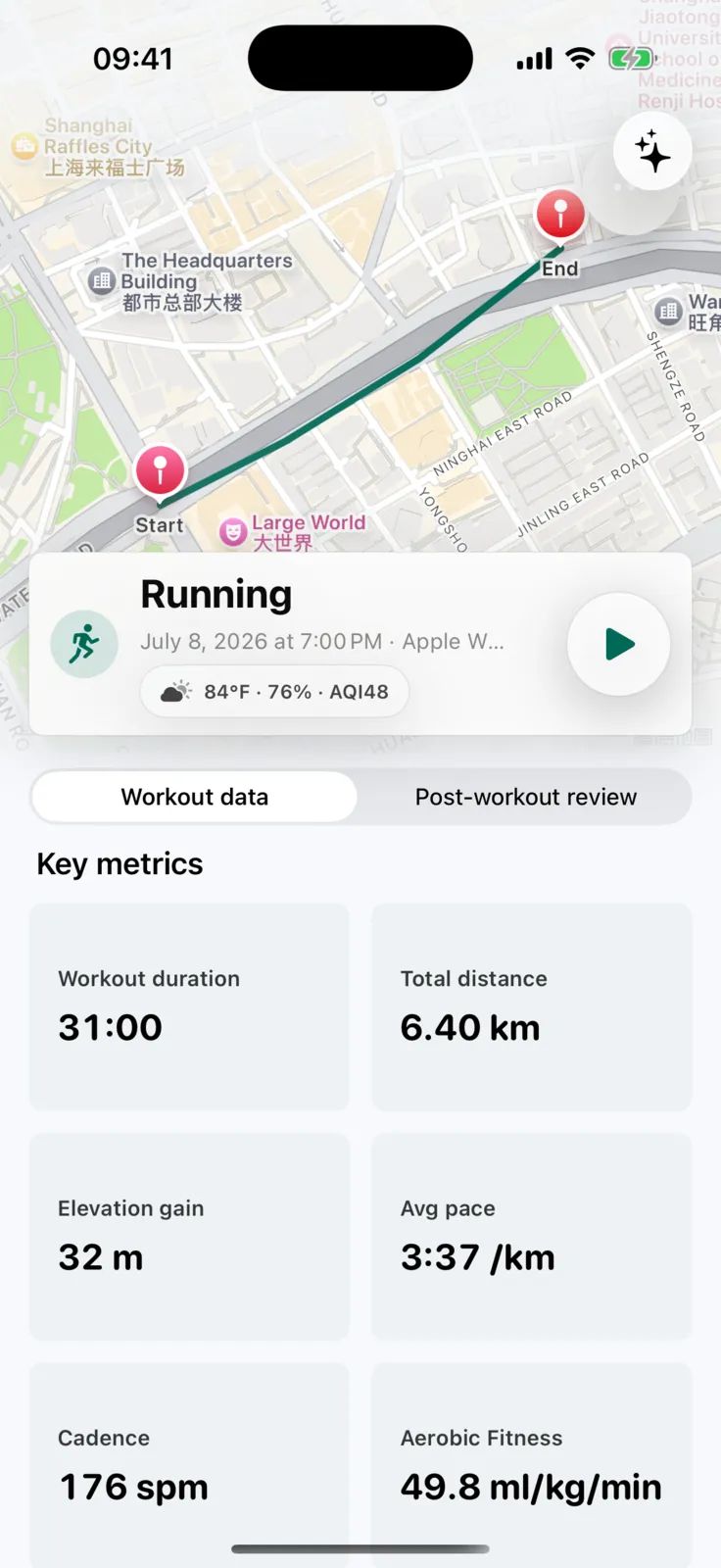
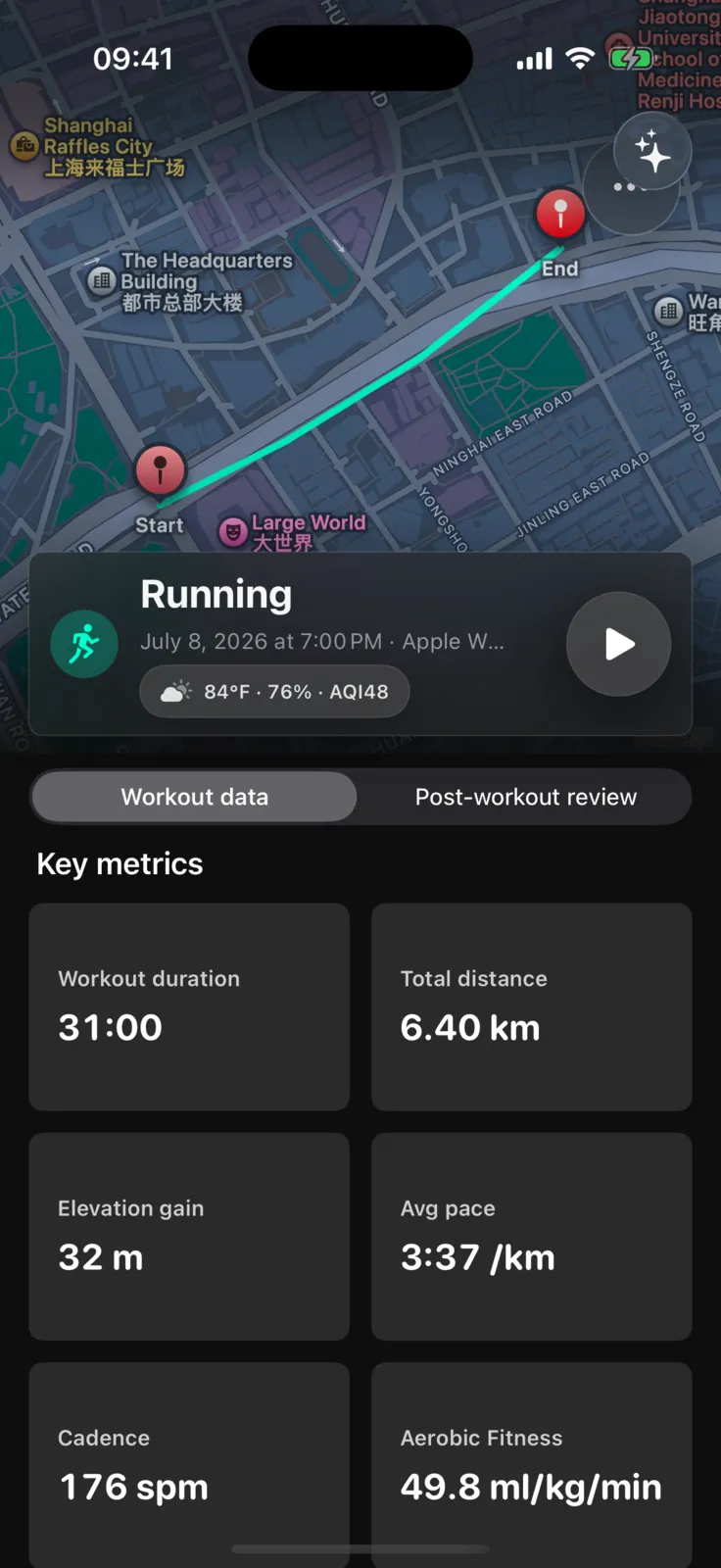
Get daily guidance, record workouts, manage goals and basic metrics, and unlock limited app time after movement for free.
Pro unlocks AI Coach, AI training plans, growth reviews, and longer historical views. Subscription status is handled through the App Store.
Plan and train on iPhone, capture sessions on Apple Watch, and keep progress visible with widgets and Live Activities.
When a public TestFlight invite is available, this page shows a direct join link. Until then, you can email us from this page to request beta access.
No. An iPhone is enough for the core experience. With permission, Apple Watch can add workout and recovery context when you wear one.
No. The core experience only needs an iPhone. Camera mode is optional and currently used for squat and jumping-jack counting.
When you use related features, SuperStrive may request camera, microphone, location, notifications, and health data permissions. Camera for motion detection, microphone for voice input and AI coach interaction, location for tracking outdoor exercise routes and activity paths, notifications for training reminders and feedback. Health data is only used when you authorize it to help analyze and generate more suitable recommendations, and with your authorization, certain workout data can also be written to your health records.
SuperStrive is local-first: raw HealthKit samples and camera frames are not centrally stored. Account, session, subscription, sync, diagnostics, and limited analytics data may be processed by services such as Apple, Supabase, and RevenueCat. When you use AI, relevant prompt content is sent to the selected AI service to generate a response. We do not sell personal information; see the Privacy Policy for details.
No. SuperStrive provides exercise, activity, and rhythm-related assistance — not a substitute for doctors, physiotherapists, or other professional medical advice. If you have injuries, pain, or special health conditions, please consult a professional first.
Choose an activity that fits how you feel, record indoor and outdoor workouts, and follow your progress through goals and trends.
For those who sit a lot, have irregular routines, and always want to start but struggle to stay consistent. It's not designed for the few professional trainers — it's for people who want to bring activity and training back into their daily lives.
Choose an activity that fits how you feel, record indoor and outdoor workouts, and follow your progress through goals and trends.
Beta access is currently requested by email. We will reply when an invitation is available. You can also write directly to the address below.
support@superstrive.app